
Route optimizer
Route optimizer
Press once. Drive less.
Add your stops in any order and press Optimize Route. They're reordered into the shortest trip the planner can find, with your start kept where it is.
Free plan, no credit card. Works in any browser.
What is route optimization?
Route optimization is finding the order of stops that makes a trip as short as possible. In EZRoutePlanner you add your stops, set the start, and press Optimize Route: the stops are reordered into the shortest trip it can find, with the start kept fixed and an optional round trip or pinned last stop. It optimizes distance, not live traffic, and it's free for routes of up to 30 stops.
- What it changes
- The order of your stops
- What stays put
- Your start, and your end with Round Trip or a pinned last stop
- Optimizes for
- Shortest distance between stops, not live traffic
- Measured saving
- A median 39% less distance than the listed order, across 48 example routes
- Stops per route
- 30 free, up to 200 on paid plans
Updated
Route optimization
What does a route optimizer do?
A route optimizer takes stops you've already chosen and finds the order that makes the trip shortest. It doesn't add or drop stops, and it doesn't decide which day they belong to. It answers one question over and over: which stop next?
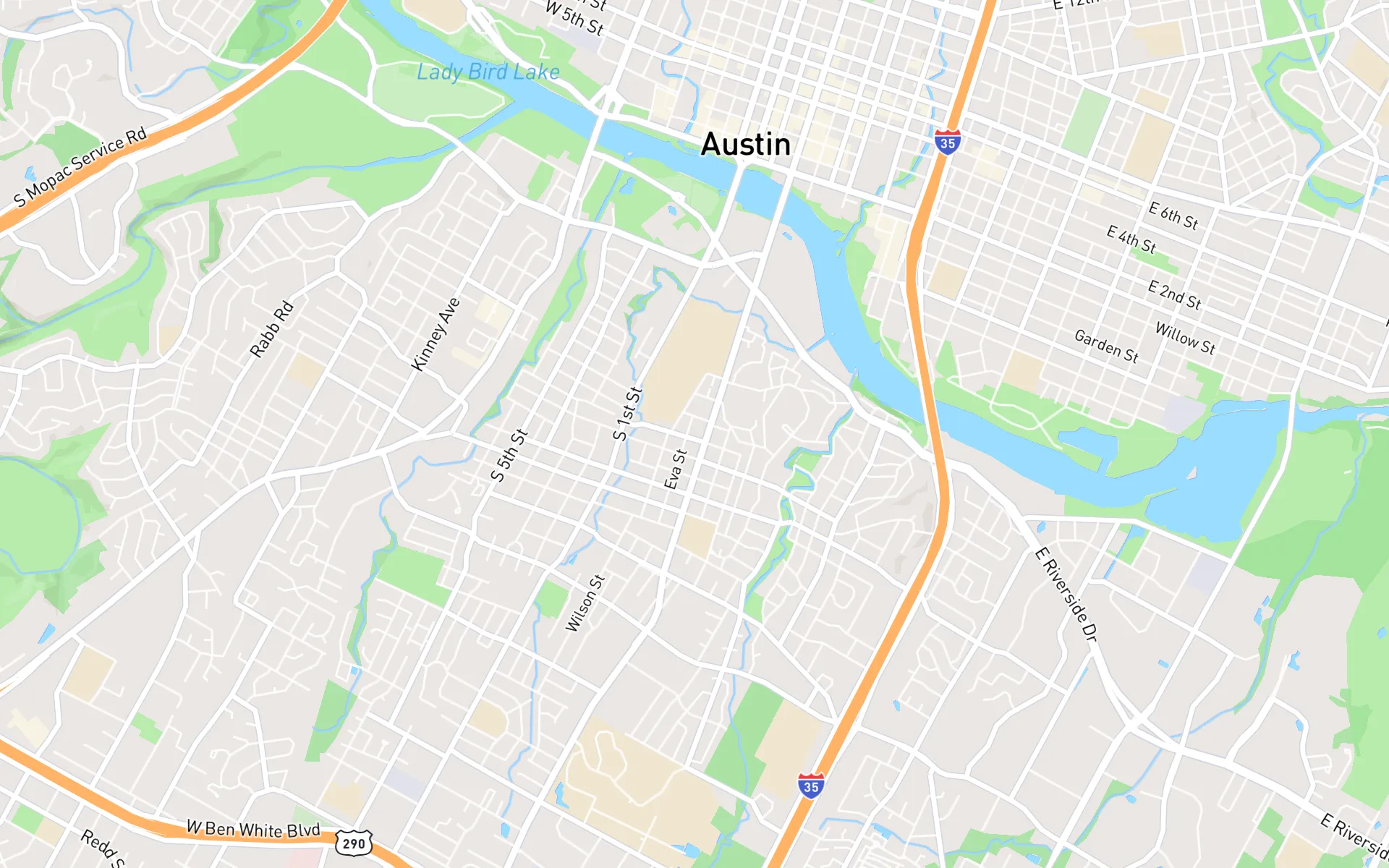
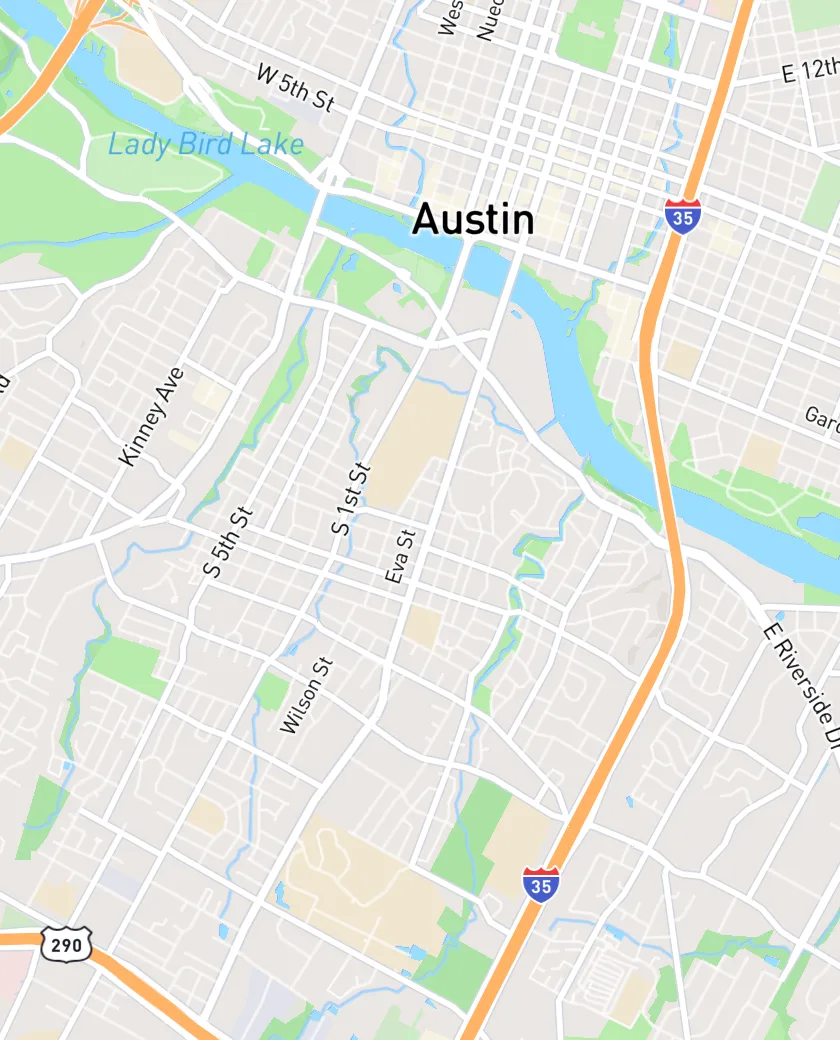
The slider at the top of this page is a real 12-stop day in Austin, Texas, timed on real roads: 26 mi (1 hr 52 min) in the order the addresses were pasted, and 12 mi (58 min) after one press of Optimize Route. Same stops, same start, 53% less distance.
EZRoutePlanner optimizes for distance between stops. It doesn't use live traffic and has no delivery or appointment time windows, so think of the result as the best order for an ordinary day. Your navigation app still picks the roads between stops and steers around today's jams.
Measured on real roads
How much does optimizing a route save?
Across our 48 example routes of 7–12 stops on real roads in 24 cities, the optimized order was a median 39% shorter than the order the stops were listed in, and a median 36% quicker to drive. This one is in Ottawa.
Anywhere from 17% to 65%
The saving depends on how scrambled the list was. A list already in street order has little to gain; one sorted by name or sign-up date usually gains the most.
Distance first, time close behind
The optimizer shortens distance. Fewer miles usually means less time too, and paid plans show drive times for each leg so you can see both.
Press it again after changes
Added a stop or lost one to a cancellation? Optimize again. It's on every plan, with no limit on how often.
Start and finish
Can I keep my start and end points when I optimize?
Yes. The start never moves: begin at a saved base, such as the shop or depot, or at any address. Then choose how the day ends before you press Optimize Route, because the ending changes the best order.
- Round Trip: come back to the start. The route then finishes near home instead of across town.
- Pinned last stop: end at a set place, like the post office or a client's office, and it stays last.
- Open end: leave both off and the route can finish wherever is shortest.
- Bases: save your shop, depot or home once (1 on Free, more on paid plans) and pick it for each route.
How to
How do I optimize a route with multiple stops?
In EZRoutePlanner, from a list of addresses to the shortest order:
- 01
Add the stops
Paste them, import a spreadsheet, or search one at a time. Every address is checked on a map first, because a wrong pin makes a wrong route.
- 02
Make the route
Select the stops on the map, by clicking or with a lasso, and choose Create Route, or create it straight from an import.
- 03
Set the start and the end
Pick a base or an address to start from. Turn on Round Trip, or pin the final stop.
- 04
Press Optimize Route
The stops fall into the shortest order the planner can find, with each leg's distance beside them. Then open the route in Google Maps or share it with the driver.
Three ways to order stops
By hand, in Google Maps, or with an optimizer?
All three get you a route. Only one works out the order for you.
| By hand | Google Maps | EZRoutePlanner | |
|---|---|---|---|
| Works out the order | You do, by eye | No, keeps the order you type | Yes, one click |
| Stops in one route | As many as you can juggle | 10 places | Up to 200 (30 free) |
| Fixed start | Yes | Yes | Yes, always kept |
| Round trip or fixed last stop | Yes | Set it as the destination | Round Trip or a pinned stop |
| Live traffic | No | Yes, while driving | No; your maps app handles it on the road |
| Effort per route | Grows with every stop | Dragging and checking | One click |
| Cost | Free | Free | Free plan; paid from $20/month |
Google's limit is from Google Maps Help. For what Google Maps does and doesn't do with your order, see does Google Maps optimize routes?
The math
Why is the shortest order so hard to find by hand?
Because the number of possible orders explodes. A round trip from your shop through 5 stops can be driven 60 different ways. Through 12 stops, it's 239,500,800 ways. Through 20, about 1.2 quintillion. This is the traveling salesman problem, and checking every order stops being practical somewhere short of 20 stops, even for a computer.
So optimizers don't check every order. They build a good route quickly, then keep improving it, for example by undoing any place where the route crosses itself, until changes stop helping. The result is a very short route found in a moment, though no fast method can promise it's the single shortest one. How route optimization works goes into the methods.
Ordering by eye is fine for a few stops: sweep the area in one direction, never cross your own path, and drive to the far end first or last. Past that, let the optimizer do it and glance at the map to check it makes sense. To watch the problem being solved, try the traveling salesman solver with your own points.
Tips
How do I get the best result from route optimization?
The optimizer works with what you give it. These habits make sure that's the right thing.
Check the pins first
The optimizer trusts every pin. One address dropped in the wrong town drags the whole route toward it, so fix flagged matches before you optimize.
Start from the real start
If the route starts at whichever address was first in the spreadsheet, the order is built around the wrong place. Set your base.
Optimize one day at a time
A whole week of stops as one route gives you a very short route nobody can drive in a day. Split by day or by area first.
Divide stops between drivers first
There's no automatic split. Lasso each driver's area to make their route, then optimize each route on its own.
Place fixed-time stops yourself
With no time windows, a stop that must come first or last is yours to handle: start the route near it, or pin it as the final stop.
Let your maps app handle traffic
Drive the optimized order in Google Maps, Apple Maps or Waze. They choose the roads between stops with today's traffic.
Keep reading
Go deeper on route optimization
- How route optimization works (in plain English)Guide
- How to find the shortest route between multiple stopsGuide
- Does Google Maps optimize routes with multiple stops?Guide
- How to plan a round trip route with multiple stopsGuide
- Traveling salesman solverFree tool
- Route cost calculatorFree tool
- Can ChatGPT plan a route with multiple stops?Guide
- How to calculate mileage for a trip with multiple stopsGuide
- Route planning glossaryHub
Frequently asked questions
What is route optimization?
Route optimization is finding the best order to visit a set of stops, usually the order with the shortest total distance or time. For one vehicle it's the traveling salesman problem; for several vehicles with capacities and time windows, it's the vehicle routing problem. EZRoutePlanner solves the first: one route at a time, shortest distance.
How do I optimize a route with multiple stops for free?
Add the stops to EZRoutePlanner's free plan (up to 30 in a route), set your start, and press Optimize Route. There's no limit on how often you optimize and no credit card, just a free account.
Is there a free route optimization app?
EZRoutePlanner works like one without the download. It runs in your phone's browser, and so does the driver's route link. The free plan optimizes routes of up to 30 stops. More on using it as a route planner app.
Does Google Maps optimize routes?
No. Google Maps keeps your stops in the order you enter them, up to 10 places, though it does pick the fastest roads between them. To get a better order, optimize the list in a route planner and open it in Google Maps; EZRoutePlanner splits long routes into links of 10 for you.
Does the optimizer account for traffic?
No. It orders stops by distance and doesn't use live or predicted traffic. Your navigation app handles traffic between stops while you drive. If one part of town jams at a certain hour, plan the route so you're elsewhere then.
Can I optimize with time windows or appointment times?
No. EZRoutePlanner has no time windows. If one stop has to happen at a set time, start the route near it, pin it as the last stop, or give it a short route of its own.
How much time does route optimization save?
It depends on how scrambled the list was. Across our 48 example routes of 7–12 stops on real roads in 24 cities, optimized routes were a median 39% shorter than the listed order. In the 12-stop Austin example at the top of this page, the day went from 26 mi (1 hr 52 min) to 12 mi (58 min).
Does it find the perfect route?
It finds a very short one quickly. Past a handful of stops, no fast method can prove it has the single shortest order. What matters day to day is the saving over the order you would have driven otherwise.
How many stops can I optimize at once?
30 in a route on the free plan and up to 200 on paid plans. For more stops than that in a day, split them into routes by area or by driver.
Can it optimize routes for several drivers at once?
Not automatically. You decide which stops each driver takes, usually by drawing a lasso around an area, and each route is optimized separately. Several routes on one map is a paid feature.
Related
- PlannerMulti-stop route plannerPlan and optimize routes with up to 200 stops, from a pasted list or a spreadsheet.
- PlannerFree route plannerWhat the free plan includes, with no trial clock and no credit card.
- PlannerRoute planner for Google MapsPut your stops in the best order, then drive them in Google Maps, past its 10-stop limit.
- PlannerDelivery route plannerPlan delivery days for one van or a small team, and send each driver their stops.
- PlannerExcel route plannerUpload a CSV or Excel file of addresses and get optimized routes, with the address columns found for you.
- GuideHow to plan a route with multiple stopsPlan a route with multiple stops in Google Maps (up to 10 places) or a route planner, put the stops in the shortest order, and get the route to your phone.
Plan your next route in minutes.
Paste your addresses or drop in a spreadsheet, optimize the order with one click, and send it to your phone. Free to start, no credit card.
Free plan. No credit card. Works in any browser.